Triangle Blocks
One triangle, many possibilities. Pairs become squares, squares become blocks, and blocks form complete repeating fields.
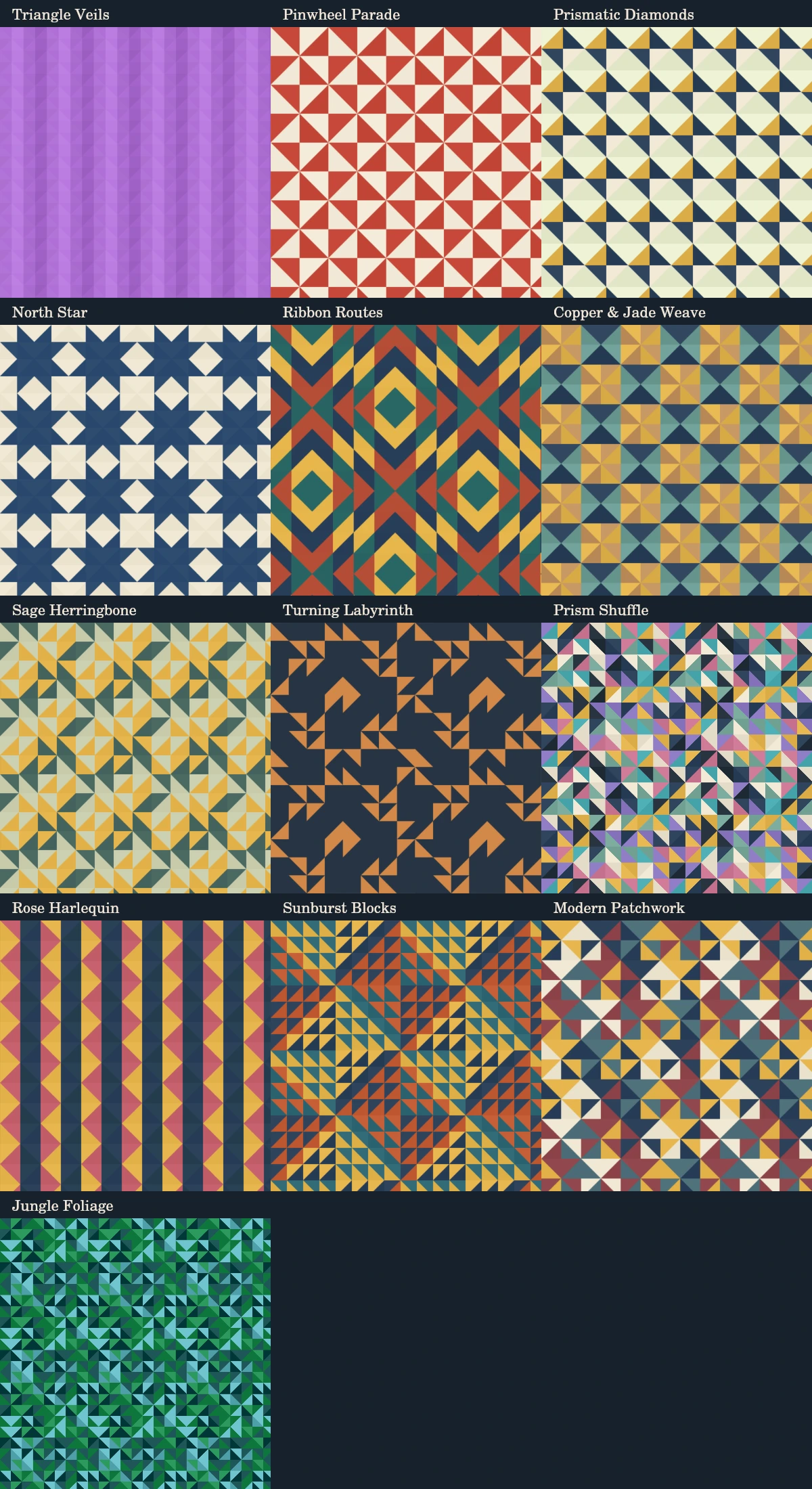
Find Triangle Blocks - Seamless in Geometric & Optical. Twelve block designs share a square triangle grid and periodic block transformations. The Triangle Veils preset explores a soft purple overlay; other presets reveal much stronger geometric structures.
Structure: from two triangles to a repeat
Every square is divided diagonally into two right triangles. Squares per block side chooses a 2 × 2, 4 × 4, 8 × 8 or 16 × 16 block, containing 8, 32, 128 or 512 triangles. Blocks per repeat side chooses 1–6 blocks across and down the repeating tile. For example, 2 × 2-square blocks with 2 blocks per repeat side make a 4 × 4-square tile containing 32 triangles.
Square size controls scale in pixels. At extreme settings, the repeat is capped at 4096 pixels per side by reducing effective square size. The pattern uses square geometry on rectangular pages. Export PNG saves one canonical square repeat, whose dimensions may differ from the editing page. The internal raster tile is capped at 1200 pixels per side, then scaled for larger output.
Block design chooses the triangle arrangement. Different designs emphasize different scales: Pinwheels and Diamonds use small repeating units; Stars use a four-square template; larger blocks create longer Labyrinth paths and more Sunburst detail. Increasing block size is not simply zooming: it changes the number of constituent squares.
Block arrangement repeats, rotates in quarter-turn sequences, alternates half-turns, alternates horizontal mirrors, or uses seeded random turns. Extra rotation chance applies an additional 90°, 180° or 270° turn to selected blocks. These transformations operate on entire blocks rather than scattering individual triangles.
Color variation chance shifts the palette assignment for selected blocks. Variation seed makes the changes reproducible. Shuffle variation changes that seed. When color variation and extra rotation are both zero, shuffle affects Scattered facets and Seeded random turns; fully ordered designs stay the same. Some symmetrical blocks can also look identical after rotation.
Color, facets and veils
Color source offers Tonal shades of Color 1, one to eight Custom colors, or the first eight colors of the Active palette. Different designs use different numbers of palette roles; increase Color variation chance to distribute more palette colors across blocks. One-color mode is useful for subtle backgrounds.
Facet contrast adjusts triangle shading and tonal depth. Zero contrast removes directional shading in custom/palette modes. Shifted overlay strength adds a translucent copy shifted by half a square in both directions, creating new intersections and apparent small facets. It works with every block design, not only Triangle Veils.
Triangle separation opens gaps along square boundaries and triangle diagonals. Surface opacity fades the result over the Background. Transparent background exports genuine alpha: it is easiest to see with separation, lower opacity or both. Background colors do not change the geometry.
Thirteen starting points
- Triangle Veils: soft purple, alternating triangle columns and a shifted overlay.
- Pinwheel Parade: red and cream rotating half-square triangles.
- Prismatic Diamonds: diamonds built from differently colored triangle facets.
- North Star: eight-point quilt-like star blocks.
- Ribbon Routes: multicolor chevrons forming larger diamond routes.
- Copper & Jade Weave: alternating two-tone bands and faceted crossings.
- Sage Herringbone: diagonal bands with interlocking directions.
- Turning Labyrinth: repeated angular paths with quarter-turn sequencing.
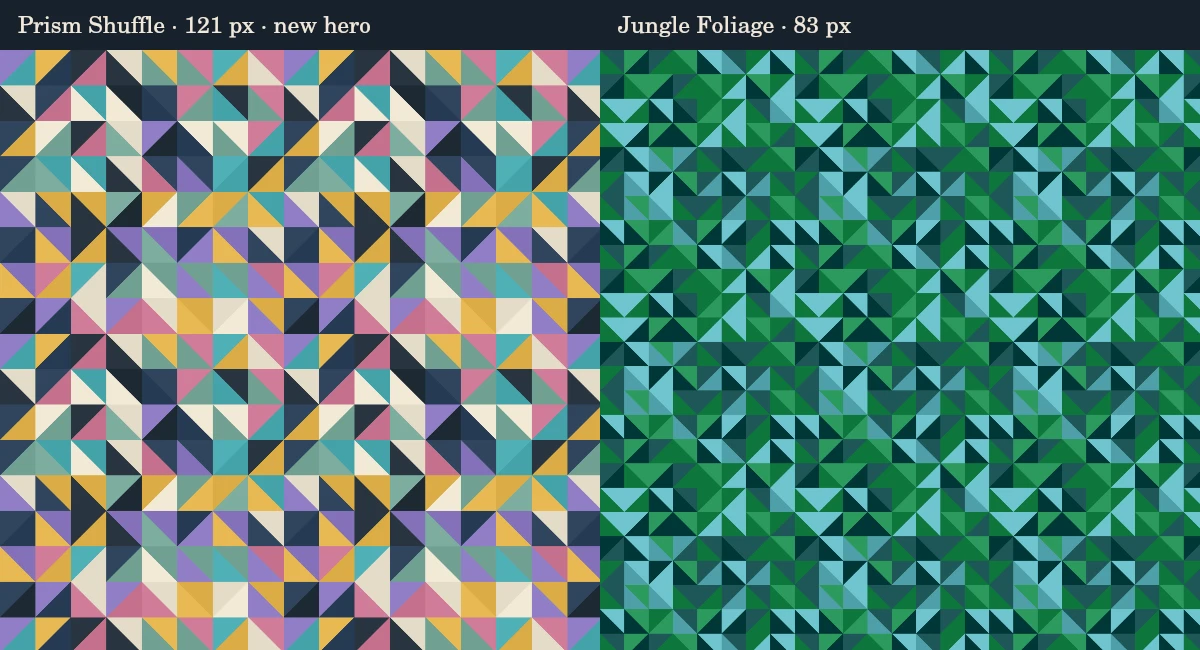
- Prism Shuffle: the default and hero preset, with eight colors, 121-pixel squares, seeded triangle choices and block rotations.
- Rose Harlequin: stacked multicolor diamond facets.
- Sunburst Blocks: larger blocks of radiating triangle bands.
- Modern Patchwork: mirrored groups and seeded palette shifts.
- Jungle Foliage: Liam’s three-color green and turquoise scattered facets; 83-pixel squares, alternating half-turns, 69% extra rotation, seed 1 and 70% contrast.
Try changing Block design while keeping colors you like, then explore block size and arrangement. Use Seamless Preview to inspect the repeat and Snapshot Settings to preserve the full recipe.